
Name-Based Case Searches
Indiana puts its public docket search on MyCase, which runs on the state's Odyssey system. Pick the Name tab. That works for people and for companies alike. A party search will not start until you give it a last name or a business name. Everything else is optional. First name, middle name, and birth date just narrow the results. Save the exact birth date for a Franklin County case lookup you have a right to run, and keep any private identity details you see off the internet. For firms, the search tips say the business field alone gives the cleanest results.
- Open MyCase and select the Name tab.
- Enter the last name or business name, then add a first or middle name when useful.
- Select Franklin County and narrow by category, status, or filing dates.
- Compare the case caption, court code, and filing date before opening a result.
| Field Label | Type | Required | Notes |
|---|---|---|---|
| Last name | Text, 40 characters | Yes, unless Business is used | Add first or middle name to narrow common results. |
| Business | Text, 800 characters | Alternative | Official tips recommend using this field alone. |
| Court and category | Dropdown and checkboxes | No | Select Franklin County, then Criminal and Citation, Civil, Family, or Probate. |
| File Date From/To | Date, mm/dd/yyyy | No | Dates must be chronological; either endpoint may be used. |
Franklin MyCase Search Tabs
MyCase splits its searches into Case, Name, and Attorney tabs. The Case tab takes a case number, citation, or cross-reference. For a party or organization, use the Name tab. The Attorney tab demands a last name plus either another name or a bar number. Choosing the correct tab keeps the result set small. It also helps you avoid confusion between people with similar names.
Filter to the Franklin court next. Categories run from Criminal and Citation to Civil, Family, and Probate. Status options are All, Open, or Closed. MyCase caps output at 1,000 results. Trim a common-name query by court, category, or date. Sounds-like and wildcard searches are separate tools. They cannot be combined. The Indiana Judicial Branch public-record guidance explains what the state makes public.
The state page sends case questions to MyCase or to the court that holds the original record.
Case Number Searches
A Franklin case number follows the Indiana Administrative Rule 8 pattern 24C01-YYMM-XX-###### or 24C02-YYMM-XX-######. Here is what each piece means. The 24 marks Franklin County. A C denotes Circuit Court, and 01 or 02 names the division. YYMM gives the filing year and month. XX is the case-type code, and the final six digits form the sequence. MyCase lets you drop hyphens and leading zeroes.
When you already have the number, use the Case tab. That tab requires one of case number, citation number, or cross-reference. A transfer can change the court identifier. The filing sequence stays the same. Check the current division on a notice before concluding the case vanished. Case codes help route the search. The local allocation rule should still be checked before guessing which division owns a new matter.
Franklin Docket Search Filters
Select Franklin County first, then choose a category. Add a status or filing window after that. If you know only an event date, leave extra room around the likely filing month, since the From and To controls filter by filing date. Judge each result by its caption, court code, type, and filing date.
Too many results? Add a first name, Franklin County filter, category, and filing window before changing the spelling.
Use sounds-like for alternate spellings and the official wildcard rules when you know only a fragment. A name match alone never proves the case is the one you want.
Franklin Division Search Checks
Franklin's local allocation makes division guesses risky. Circuit Court 1 takes infractions, ordinance cases, misdemeanors, and lower-level felonies. It also takes small claims and several alternating civil types. Circuit Court 2 handles major felonies, plenary civil, probate, juvenile, mental-health, and other assigned matters. Several civil and family codes alternate under the local rule. No category guarantees one court. When the current identifier is unclear, search both divisions.
A date filter can test whether a name result fits your timeline. Start with a generous window. Inspect the returned filing dates. Narrow only if the set stays too large. MyCase requires chronological endpoints, but it accepts either one alone. That helps when you know only the earliest or latest possible filing date.
Case Search Results Explained
A public Franklin County result can show the court, caption, case type, filing date, status, parties, attorneys, charges or claims, hearings, chronological events, documents when available, and financial entries. Think of the Chronological Case Summary as an event index. It does not contain every pleading, order, transcript, or certified copy behind the docket.
| Case Number | The Franklin court code, filing month, type code, and sequence. |
|---|---|
| Style / Parties | The public case caption and party roles. |
| Case Type | The legal category, such as IF, CM, F, PL, SC, DR, or probate. |
| Filed Date | The date the case entered the court system. |
| Status | Open, closed, or another public status, not a statement of every pending issue. |
Franklin Docket Results Without PDFs
A docket event can stay public. The filing may not be online at all. The document may be restricted, old, converted, or in-person only. MyCase can list an event name, date, page count, association, and access state. Even so, a document label does not promise a downloadable file.
Ask the clerk for the item by court, case number, event, and date. Say whether you need a plain or certified copy. A transcript goes through the court reporter instead. The Franklin County court case records page walks through those layers.
Indiana Code Title 35 holds the expungement image used on this docket.
Expungement and restricted-access rules help explain why some older information does not appear publicly.
Two Ways to Search: County and State
Franklin County runs no separate county case database. MyCase serves as the statewide portal. It is also the public online layer for Franklin Circuit Court 1 and 2. The local option is the clerk's official file, courthouse counter, and terminal. When accuracy, certification, or a missing document matters, compare the free statewide summary with the record held in Brookville.
| Statewide Portal | Franklin County Portal |
|---|---|
| Participating Indiana Odyssey courts | Franklin Circuit Court 1 and 2 records held by the clerk |
| Public summary and selected document links | Official file, copies, current balance, and in-person material |
| Best for locating and tracking a public case | Best for certification or resolving missing and stale data |
Franklin Docket Party Access
MyCase gives each user a view that matches their role. The public sees one version. An eligible party with an access code, or an attorney of record, sees more. That boost never unlocks a sealed case, an expungement, or something a rule keeps out. Treat any access code as private. Use it only on the case it belongs to. The Franklin County court docket stays accurate through the clerk. The clerk certifies records, states a current balance, and supplies documents MyCase lacks.
Indiana e-filing works on a different track. Approved providers send filings for authorized users. MyCase then shows the public event in its docket summary. A filed document can appear as an event. Its PDF may stay out of public view. For anything official in a Franklin case, the clerk is the source.
Franklin Courthouse Search Fallback
When the online court docket falls short, the courthouse counter still works. Its public terminal does too. Bring a case number plus enough identifying detail for staff to pull the file. A quick phone call can confirm which request route to use. Protected data and legal advice sit outside a routine docket search, though. For a hearing date, set the public calendar entry beside the newest CCS event. Confirm any unclear change with the court office.
Which Cases Stay Restricted
Rule 5 closes part of what Indiana Access to Court Records Rule 4 opens. Excluded material can include sealed or expunged files. It may also cover many juvenile records, protection-order details, medical and mental-health information, pre-sentence reports, and problem-solving court records. Some of it may be limited rather than gone. So a missing name never proves that no case exists.
Access also varies by role. A party with an access code gains added reach. Yet confidential material stays confidential no matter who holds the code. Requests for restricted access go through the court process governing the file. The Franklin clerk routes them, and the judge decides when an order is needed. MyCase itself warns it is not a complete criminal-history source. It is only a way to understand one public court matter.
If a known case will not appear in a docket search, check the spelling first. Then verify court division, case type, and filing dates. Call the clerk only after those pass, and hand staff the same search details. That helps them tell a restricted record from a query that was simply too narrow.
Franklin Specialty Case Limits
Franklin County runs no separate certified portal for its problem-solving docket. Public events may still surface in MyCase. Treatment, assessment, supervision, medical, and mental-health details stay protected under the rules above. Read the case summary first. Then bring questions to the Franklin court or clerk. Indiana's problem-solving courts overview explains how these courts operate across the state.
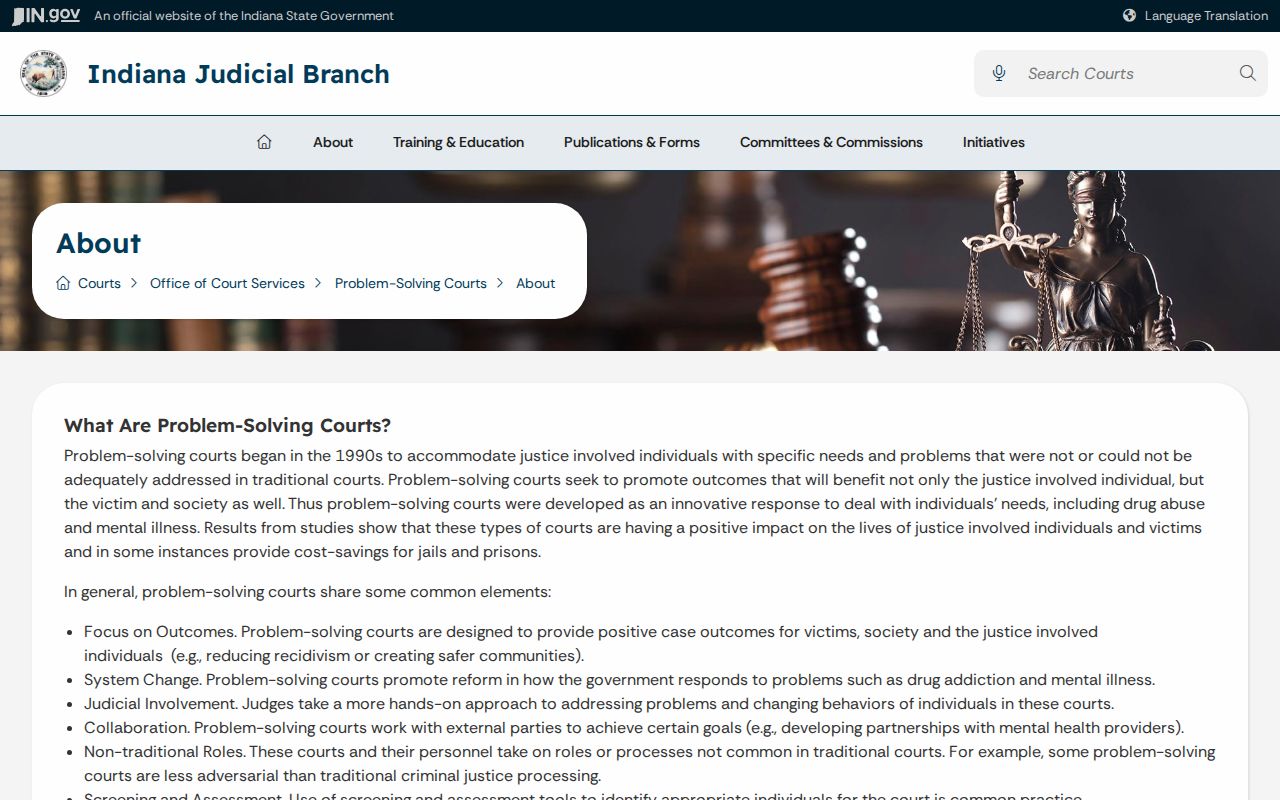
Note: That statewide description does not create a separate Franklin portal or open protected program records to the public.